Signing into Okta
This help topic describes how to log into Okta as an existing user. Please see other help topics if you need to create an Okta account, reset your password, or request additional help.
-
Go to the TWDB Application Portal.
Enter your Email and click Next.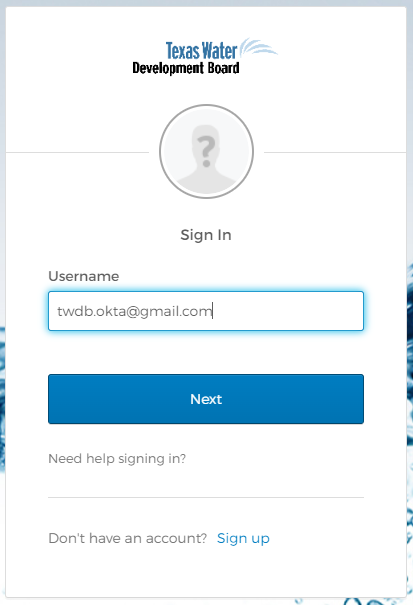
-
Enter your Password and click Verify.
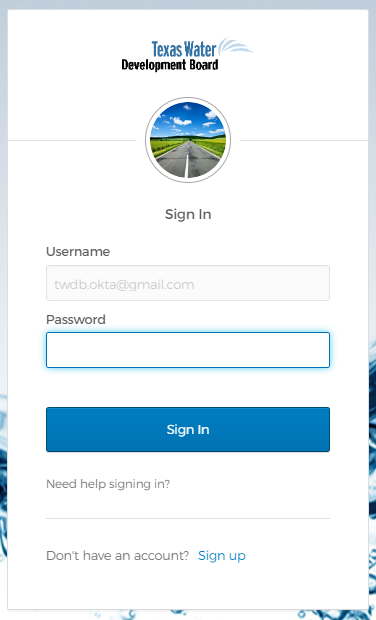
- The TWDB Application Portal displays, showing available TWDB applications.
- To access and use an application, click the application tile to go directly to the application's home page.